
To the uninitiated, the term “shadow IT” may conjure up images of mysterious hackers in dimly lit rooms or ghostly apparitions fixing printers. But in our IT department, we know that shadow IT is not quite so immediately threatening—but it’s certainly something to keep our eye on.
Let’s take a deeper dive into what we mean when talking about shadow IT, what the future of shadow IT looks like, and what you can do to stay strategic when it may be going on at your company.
What is Shadow IT?
Shadow IT is, at its most basic, all unapproved technology and applications that may be used at your place of work.
While that may include things as innocuous as email widgets or the desktop version of Tetris that Karen from finance plays on her lunch break, it can also include processes that could endanger your company’s data and security.
The biggest risk of shadow IT is the unintentional disclosure of data through file-sharing programs, so the use of any file-sharing programs you haven’t internally vetted and approved needs to be immediately addressed.
Put Strong IT Processes in Place
It’s estimated that more than 80 percent of all employees admitted to using non-approved applications in their jobs creating a massive hole for hackers to attack.
As many of these employees have no idea the implications of installing these programs, it shows just how essential it is that you educate, inform and monitor your company on shadow IT and the damages they can cause.
In short, don’t expect that your average team member knows that a single print security breach can cost a company millions of dollars. Education can come in many forms: whether it’s dedicated training sessions, newsletters, videos, or real-life simulations, you need to get all leaders and department heads on the same page when it comes to shadow IT.
Impress upon them the potential office printer security risks that accompany the use of unapproved applications, and listen to their suggestions for applications that should be approved in order to increase their department’s productivity.
Then, work with department leaders to evaluate new services and develop a solid approval process. With that in place, you’re better equipped to work with your coworkers to monitor shadow IT.
Monitor All Software and App Activity
Even with solid processes, some people will still ignore the rules (looking at you, Karen.) In order to make sure those revolutionaries aren’t causing serious security problems, it’s important to monitor activity and proactively protect against dangerous uses of shadow IT.
Here are a few tactics you can implement in order to get a better sense of activity and protect your company:
- Apply functionality controls to high-risk apps. This restricts uploading, posting, and downloading abilities. When you add these controls at the IP level, you have a better ability to change these depending on employees’ needs.
- A data loss prevention (DLP) program can restrict the flow of data to cloud apps, helping to protect against breaches. DLP software can also be configured to recognize and restrict the transfer of sensitive data, like payment card information, personal health information, and payroll.
- Periodically have discussions with employees, managers, and the C-suite to discuss how information and data are exchanged, how they’re using different applications, and what you can do to support their needs without compromising security.Shadow IT isn’t something that you can control right away: it’s an ongoing issue that requires ongoing communication.
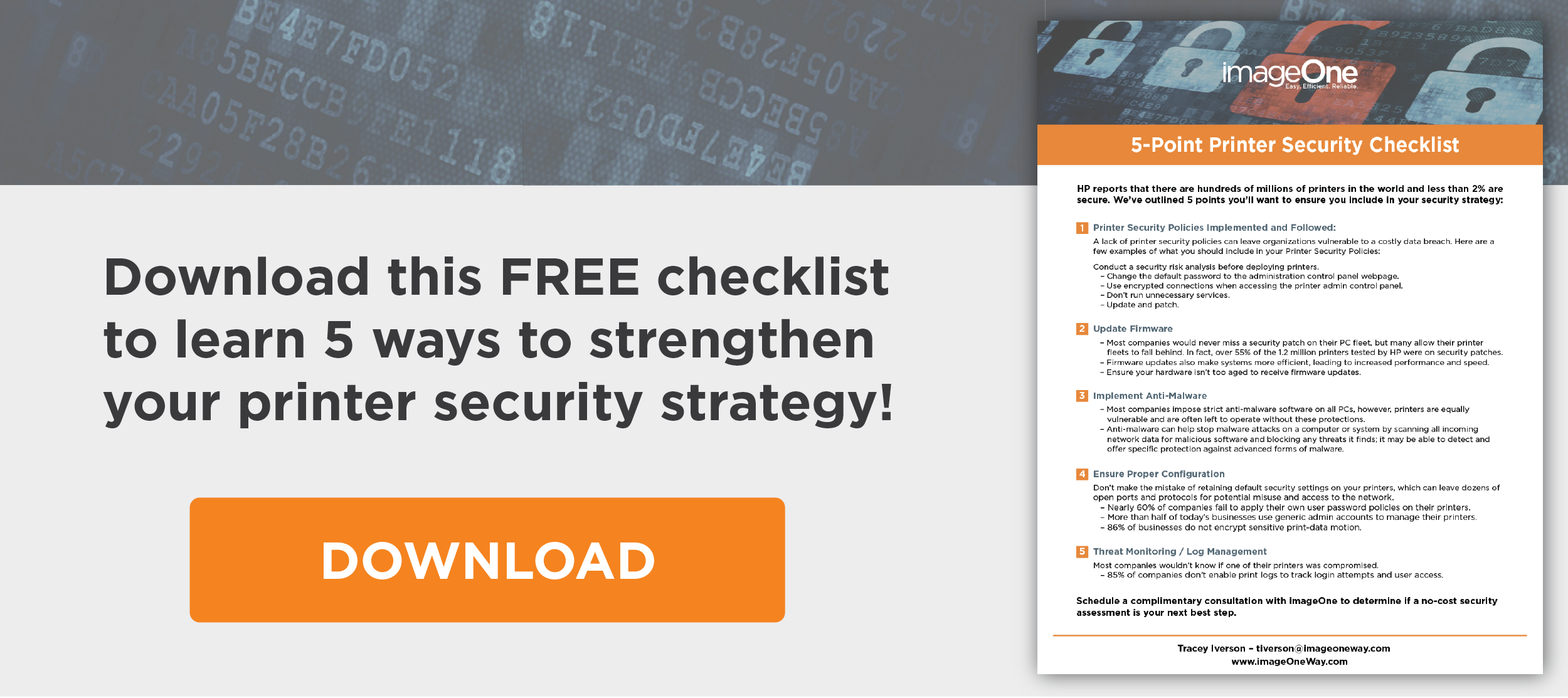
Want to learn more about securing your business from shadow IT and other serious threats? Download our FREE 5-Point Security Checklist!
Or, if you’re ready to get started with better handling on the shadowier elements of IT and boosting your company’s security to avoid a costly breach, the imageOne team would love to help!
Set up a consultation with one of our friendly experts today and we’ll chat about how you can get a free security assessment for your business.